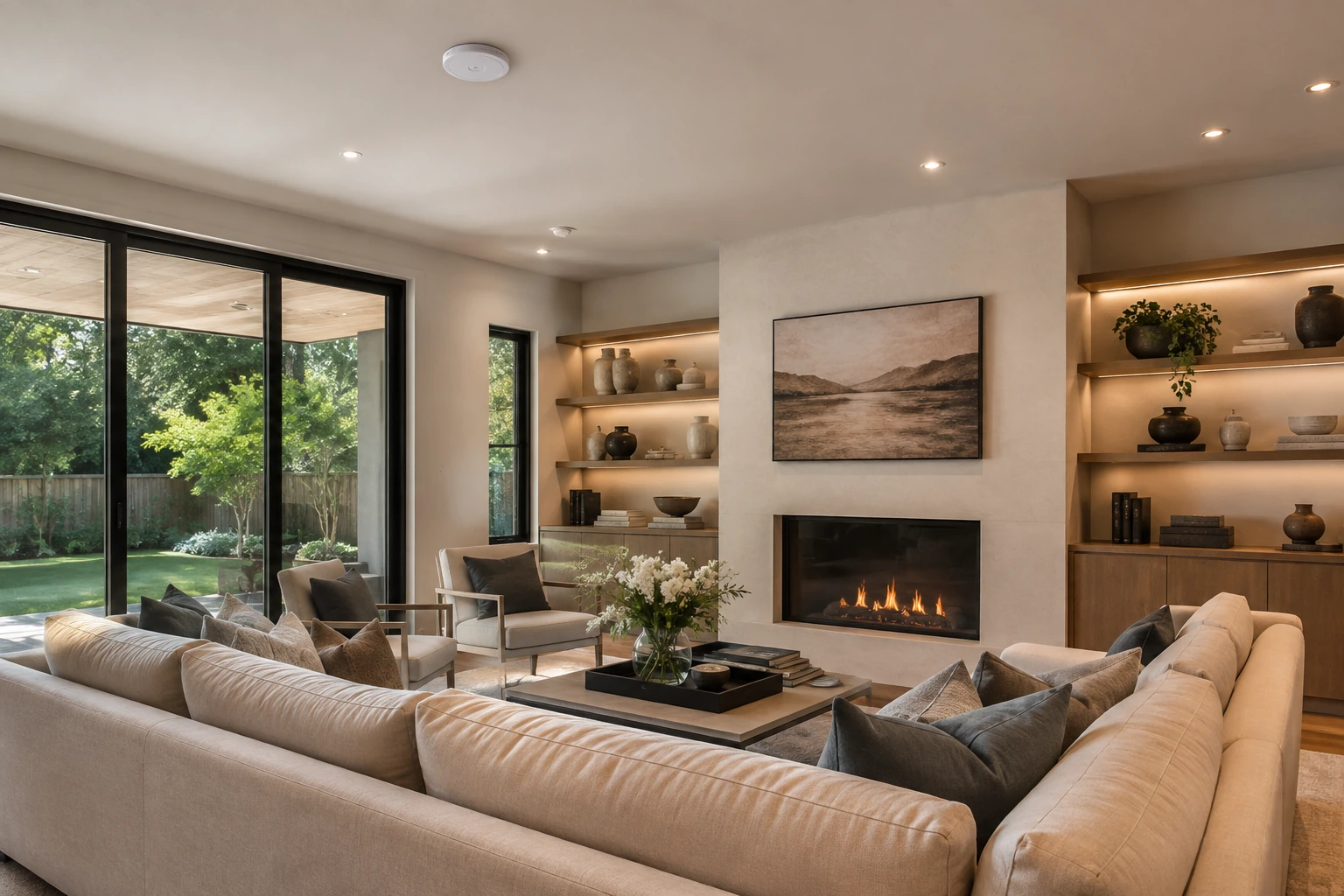
Great Room
Strong Streaming
Coverage audit
Video calls, streaming, cameras, and smart controls all depend on the same foundation. We plan the home network around construction, coverage, and device demand so connectivity feels steady where it is needed.
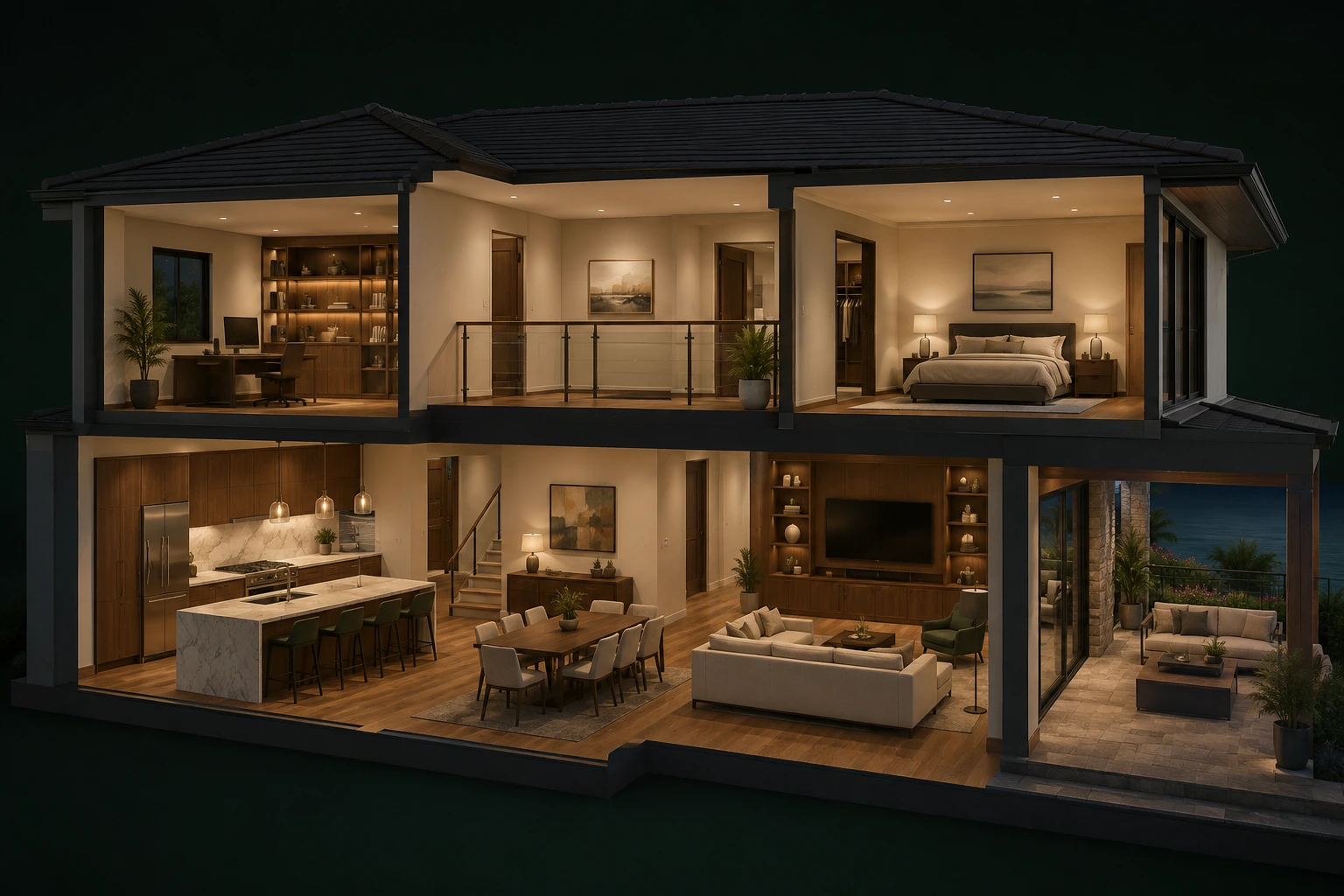
Reliable coverage, room by room
Strong Streaming
Strong Calls + tablets
Good Roaming
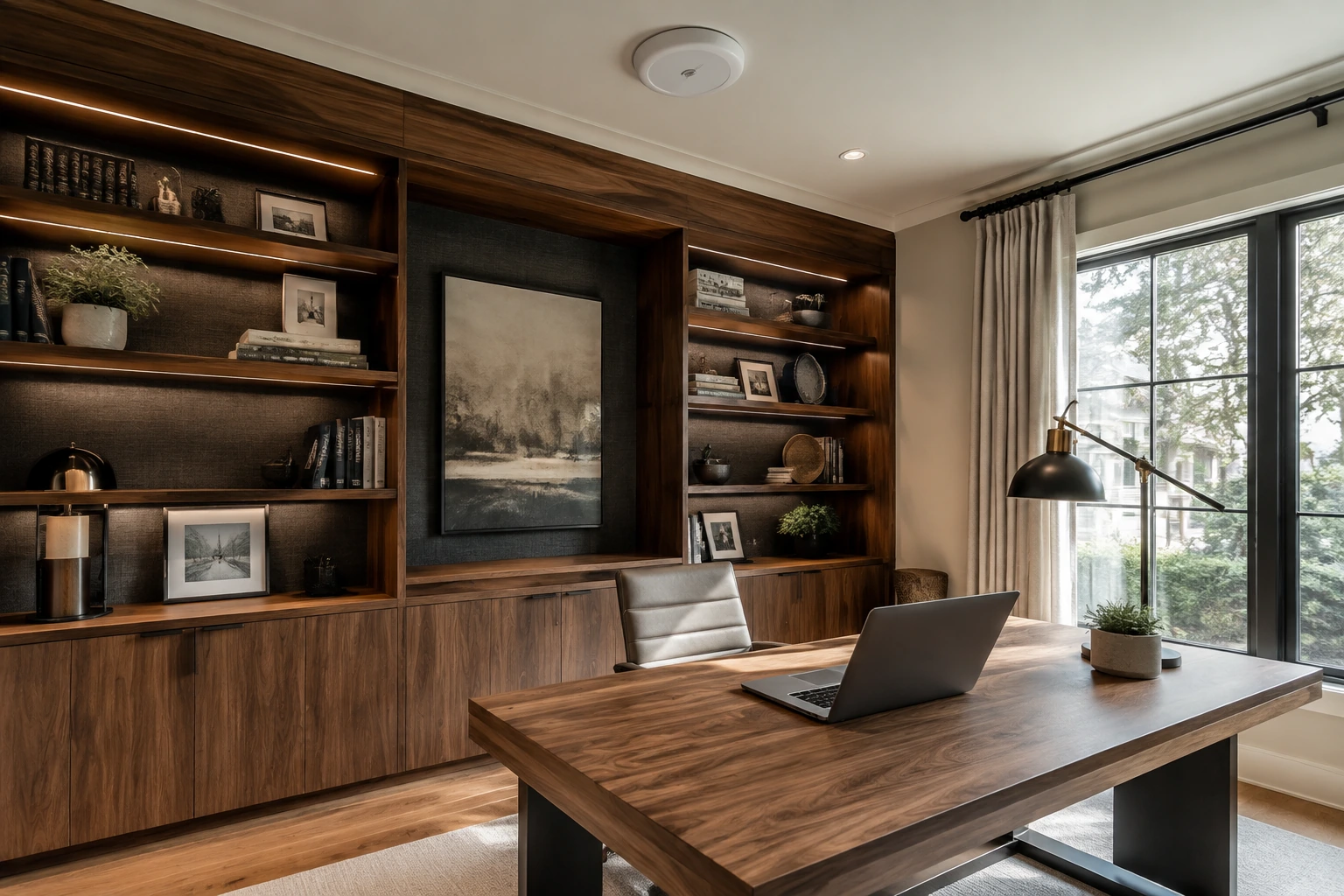
Excellent Video calls
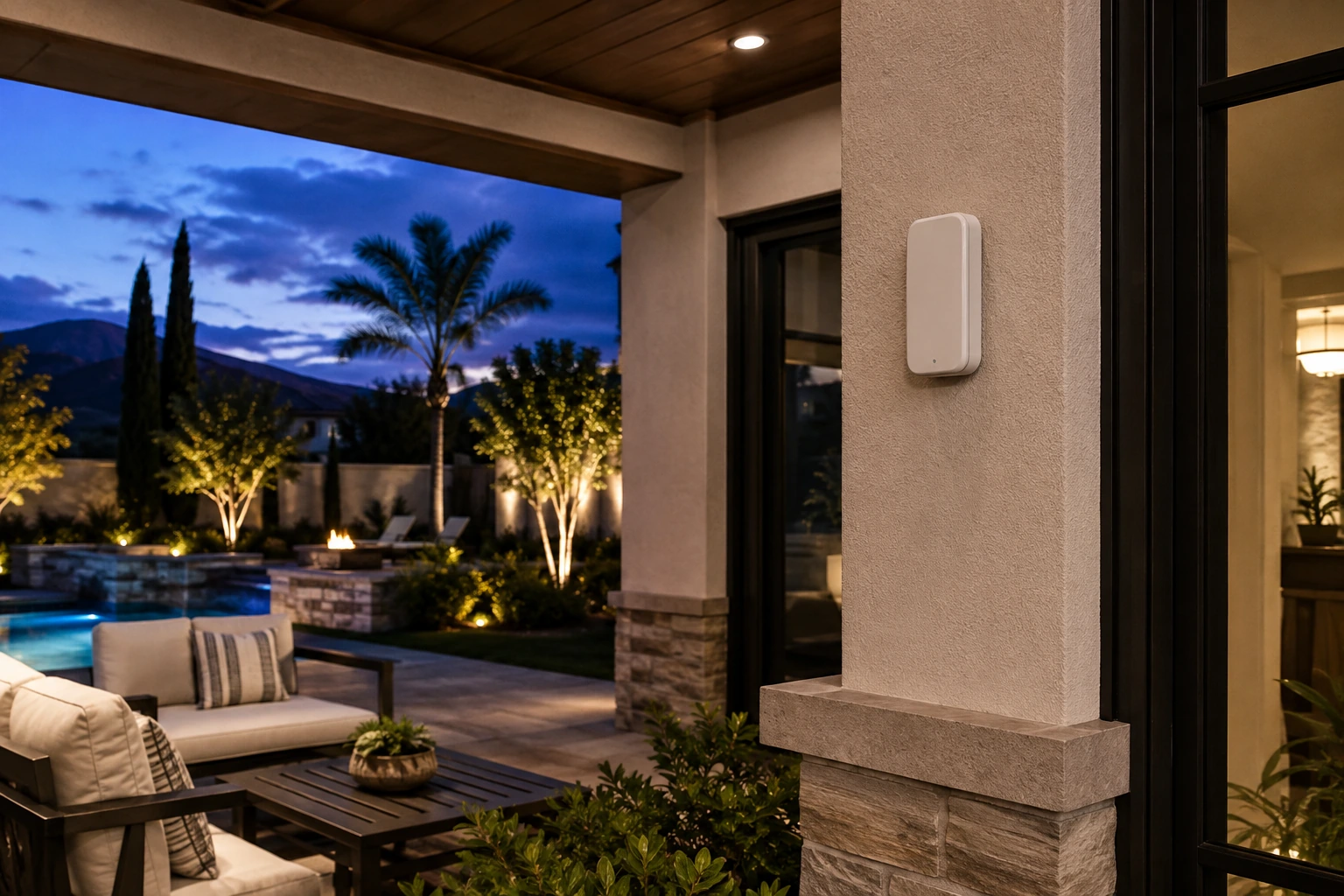
Strong Outdoor coverage
Coverage is checked in real rooms and outdoor areas. Results vary with construction, wiring paths, and internet service.
Diagnosis that drives design
Measured in the rooms and outdoor areas where the network has to perform.
Access points, TVs, cameras, and fixed devices get wired paths where stability matters.
Switching and wireless placement account for calls, streaming, cameras, and smart controls running at the same time.
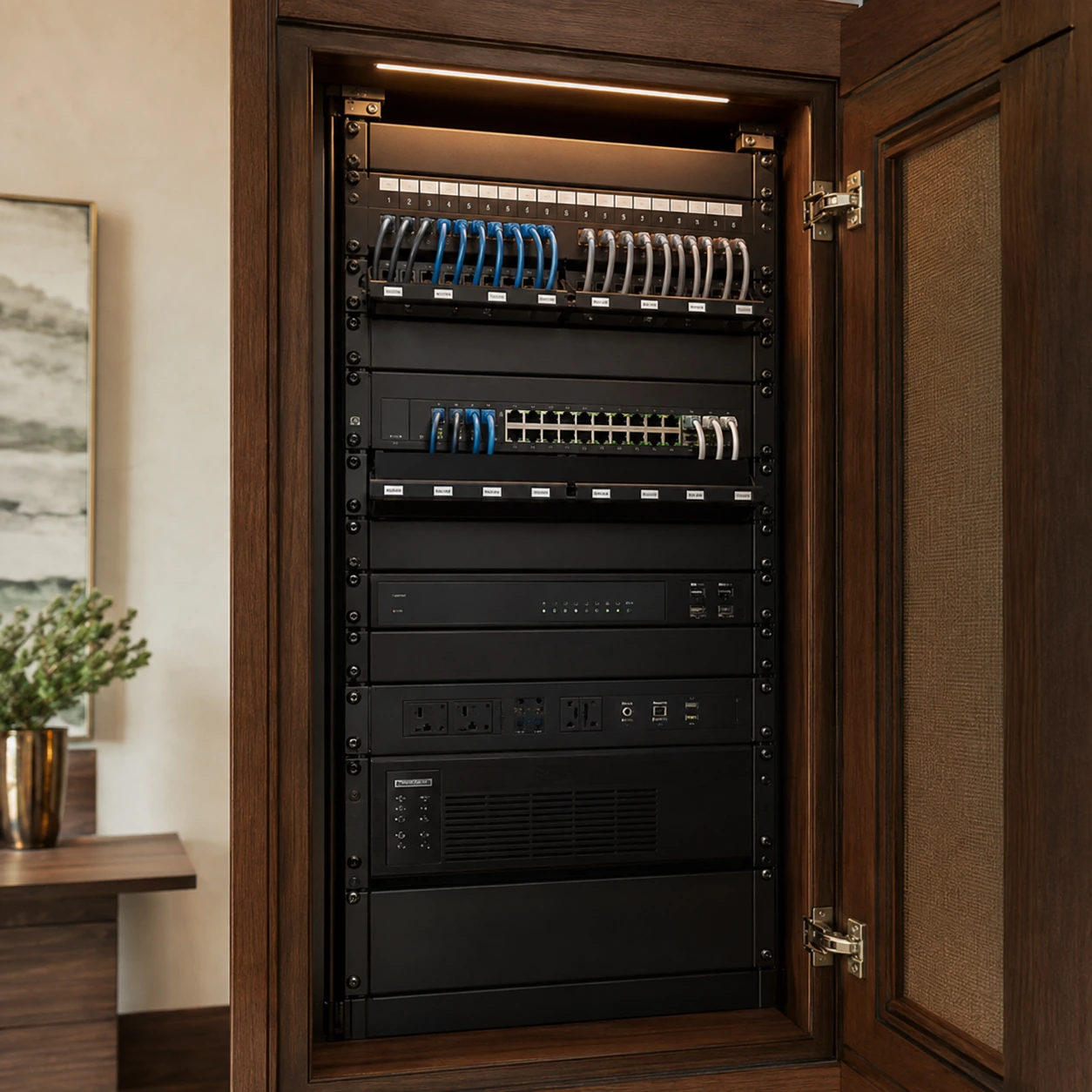
Wired where it counts
Place wireless access points around the layout, construction materials, and indoor or outdoor areas that need reliable signal.
Provide stable wired connections for suitable workstations, televisions, access points, and other fixed equipment.
Keep network equipment, labels, and configuration orderly so service and future changes are easier.
Beyond the walls
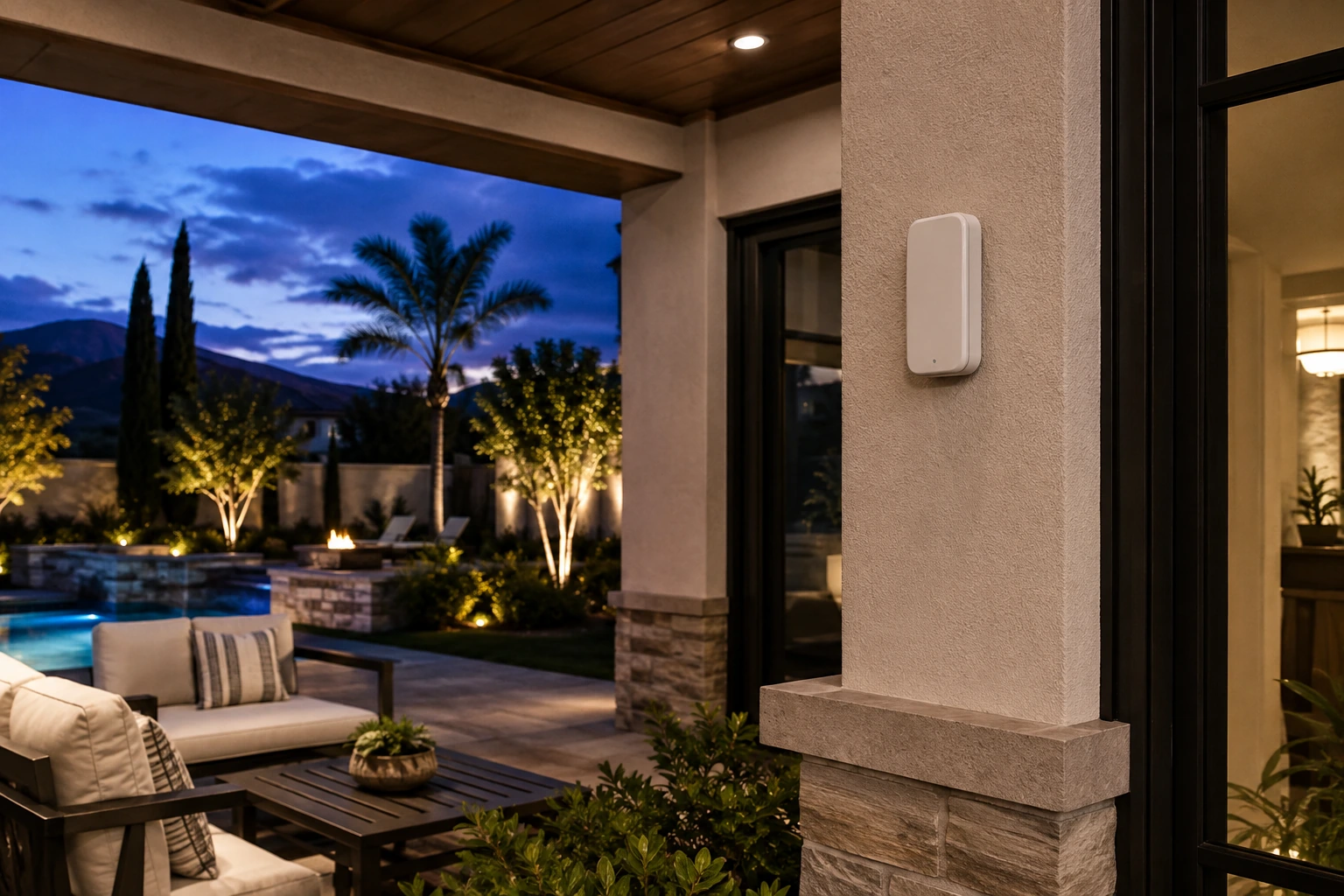
Patios, pools, guest houses, and outdoor rooms need weather-rated hardware, clean cable routes, and placement that follows how people move outside.
Our approach
We review the floor plan, construction, internet service, current equipment, and where the signal falls short.
We check the spaces that matter for coverage, speed, roaming, and device load.
We define access point placement, wired connections, switching, network segmentation, and equipment location.
We run and terminate cabling cleanly, mount hardware discreetly, and organize the network core.
We test real rooms and outdoor areas, name the network clearly, and walk you through the finished setup.
Questions homeowners ask
It can improve local coverage and remove equipment bottlenecks, but your provider's connection still sets the available internet speed. We separate coverage problems from service limitations.
Wired connections to access points are often a strong foundation. Where new wiring is difficult, we evaluate alternatives against the layout and performance needs.
Outdoor coverage can be planned with suitable equipment and placement. Walls, distance, and the available cable routes determine the approach.
It depends on the floor plan, construction materials, outdoor areas, and device load. We place access points to support coverage and roaming without overbuilding the system.
Yes. When existing equipment is worth keeping, we can clean up cabling, labeling, rack placement, and configuration. If something is limiting performance, we explain why before recommending a replacement.
Yes. A separate guest network can give visitors internet access while keeping household devices and controls on the private network.
Ready To Get Started?
Schedule a personalized consultation and discover what's possible with CI Smart Living.